
Developer HANk
220,283 views
273 followers
26,600 updates
0 tips
tks for being the 1st follower I gained in 2026!!! what do you like about my site?
4 likes
What do you like about my site? (late but tks for following me)
2 likes
 scenequeen
6 months ago
scenequeen
6 months ago
i enjoy how different it is from any other site ive seen here. its like im looking at collage in its purest form and i really enjoy that <3 also youre a kagepro fan and i was very happy to find someone else who still talks abt it
1 like
2 likes
2026 now and I forgot to say thank you for following me (any reasons why you wanted to follow me? I'm curious)
1 like
searched for sites with trinkets tag so I followed you, late but tks for following meee (what do you like about my site btw?)
1 like
new year and I forgot to thank you for following me (looking forward to your new Matchaprika Club!)
2 likes
 matchaprika-club
6 months ago
matchaprika-club
6 months ago
No problem ! It will not change heavily on the outside it's mostly a change of code, essentially CSS rewriting and HTML cleaning. I'm getting rid of Javascript entirely. I think it should be okay around February/March but I will probably reopen sooner once I'm done with the comic-book reviews !
1 like
Came from Petrapixel's indie web contest result email, congrats yours got 3rd place in the most beautiful category!!! (late but tks for following me)
3 likes
(late but) tks for following me! How did you make the Loading... page? JS only?
2 likes
 404city
6 months ago
404city
6 months ago
Yep! it's simple to make. you have to create a div with an id of "loadingScreen" in your HTML document, then you can use this simple code in your JS file to hide it: window.onload = function(){var loadScreen = document.getElementById("loadingScreen"); loadScreen.style.opacity = "0"; setTimeout(function () {loadScreen.style.display = "none"},300);}
3 likes
Late but tks for following me! How did you make the banners animation? (autoscrolling buttons)
1 like
 ransei
6 months ago
ransei
6 months ago
Hello! Np :) Just use HTML tag like this: "marquee scrolldelay="100"" (srry, I can't paste tags here) and things you want to scroll inside the tags
1 like
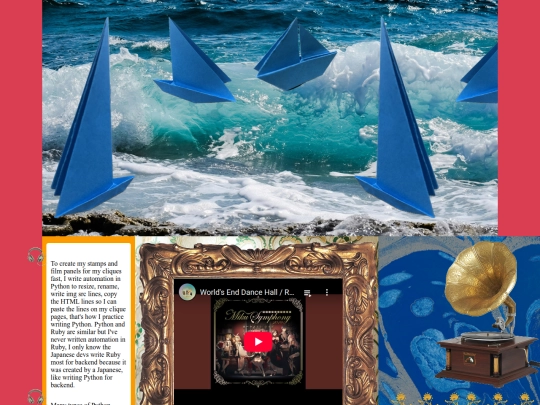
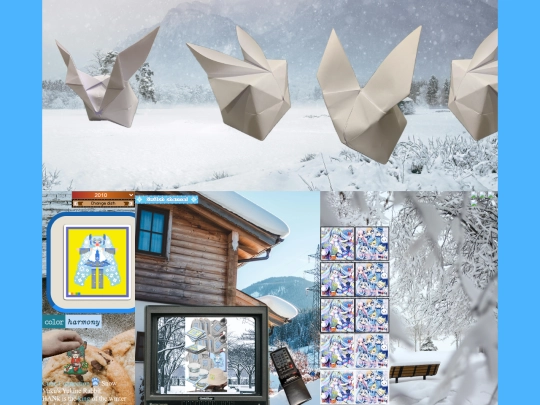
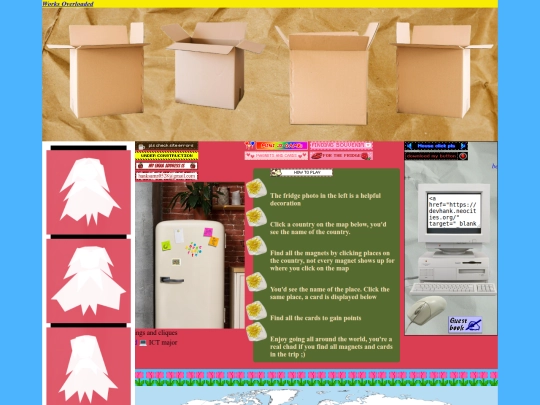
5 likes
 devhank
6 months ago
devhank
6 months ago
Got sick today, the spring semester is coming soon, will try to finish 2 kpop crochet rows (exo exist era and enhypen desire:unleash era)
2 likes
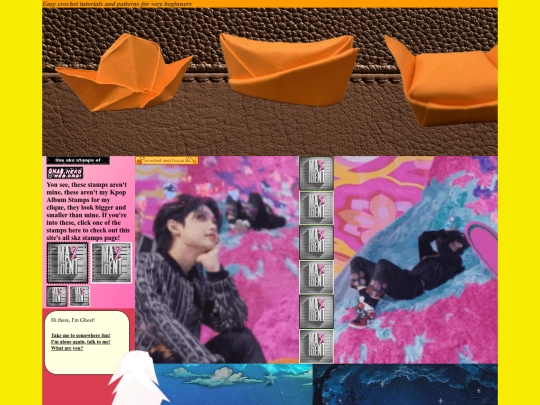
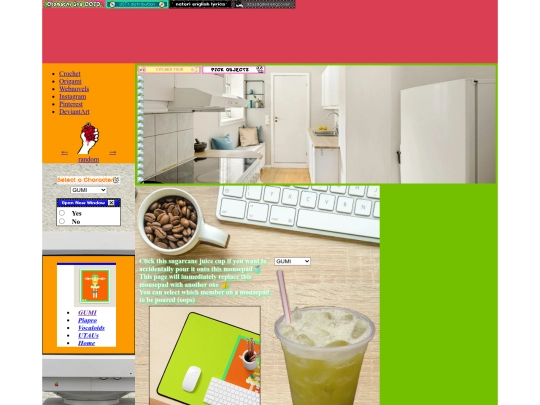
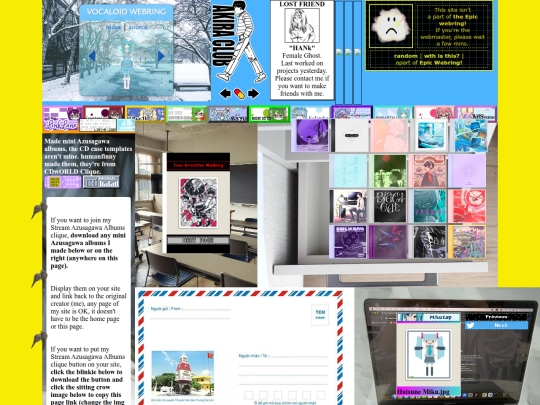
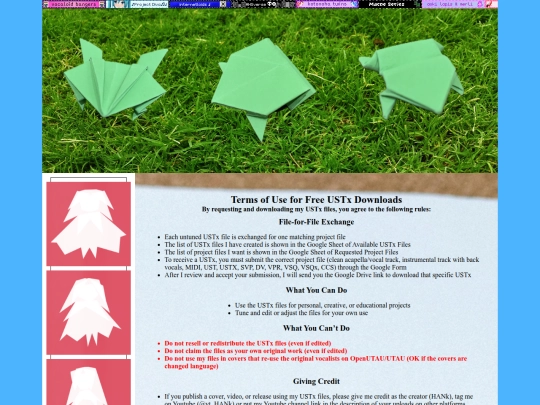
6 likes
devhank
6 months ago
I thought keeping interactive containers like clicking blinkies/buttons so the page changes the current displayed image... was quite bland. I decided to put radio buttons, checkboxes and more, if your inputs are correct, your blinkie/button clicks can change the current displayed image
1 like


![......HAZURE_03 v_3] what else is there for me? ...... avatar](/site_screenshots/10/71/hazure03/index.html.50x50.webp)


![[ KiwiMeowo's Home :3 ] avatar](/site_screenshots/16/45/kiwimeowo/index.html.50x50.webp)


i love your whimsical site so muchhh
quên mất, ng việt vs nhau lại đi dùng tiếng anh trc :)) Mình thích đọc mấy bài về may quần áo của bạn lắm (có phải là bằng tuổi ko nhỉ vì mình sn 2k3)
mình có kênh tiktok về thời trang đó mà ngưng hoạt động lâu r, vẫn còn bài trên đó, mình 2k1 nhen