

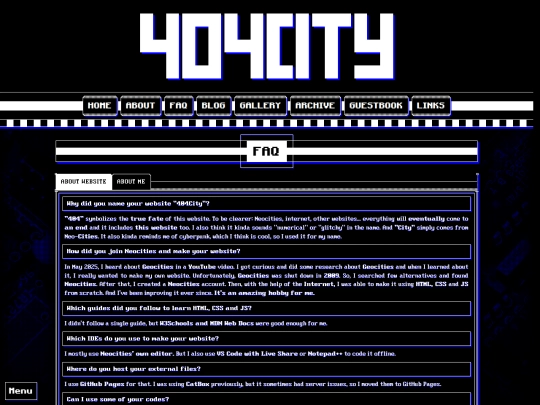
(late but) tks for following me! How did you make the Loading... page? JS only?
2 likes
 404city
7 months ago
404city
7 months ago
Yep! it's simple to make. you have to create a div with an id of "loadingScreen" in your HTML document, then you can use this simple code in your JS file to hide it: window.onload = function(){var loadScreen = document.getElementById("loadingScreen"); loadScreen.style.opacity = "0"; setTimeout(function () {loadScreen.style.display = "none"},300);}
3 likes



11 likes
9 likes

7 likes
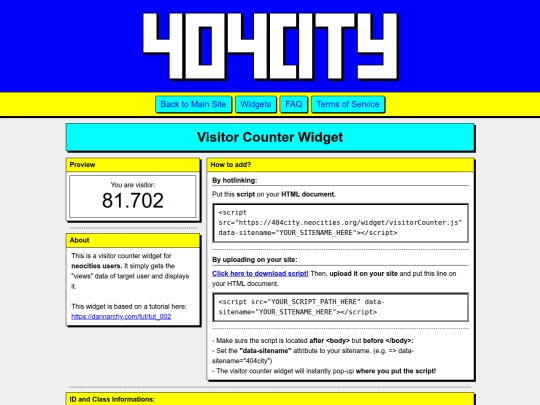
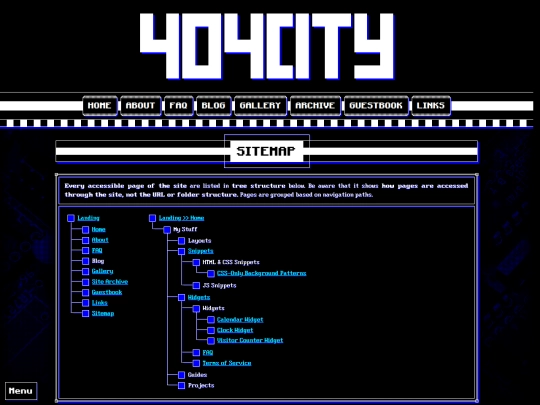
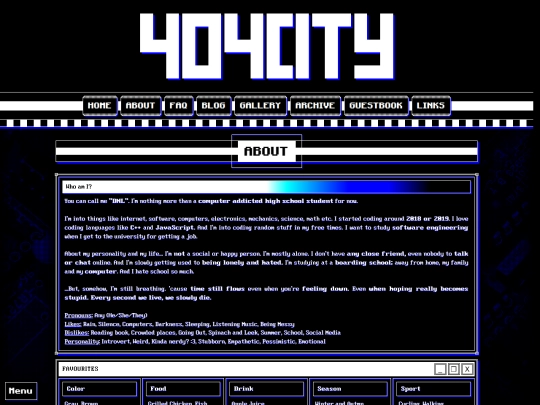
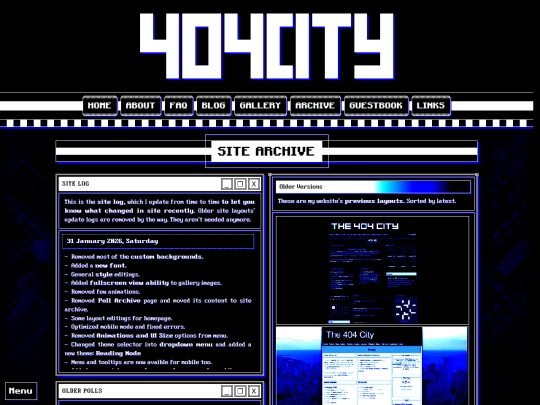
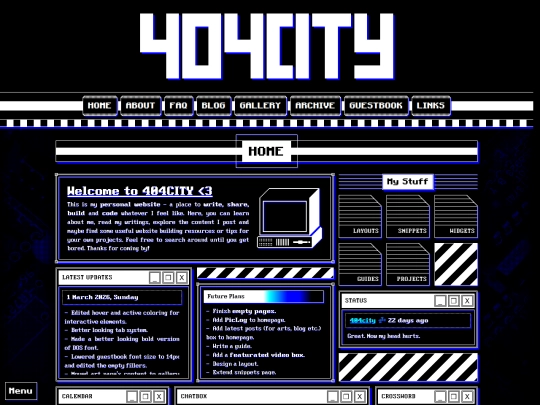
really cool site design! like the old versions on the archive page too
2 likes
2 likes
10 likes
Website Stats
Last updated
1 hour ago
CreatedMay 22, 2025


![[ KiwiMeowo's Home :3 ] avatar](/site_screenshots/16/45/kiwimeowo/index.html.50x50.webp)


![[tfpXE] avatar](/site_screenshots/15/25/tfpxe/index.html.50x50.webp)


Thanks :)