
bees laugh in atbash
2,329,584 views
264 followers
4,714 updates
0 tips
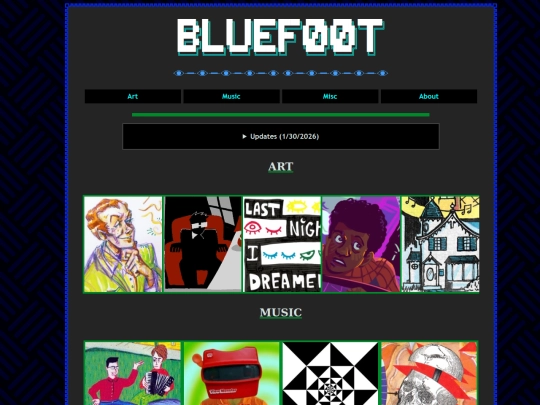
hey man, could I get those mouths from the here comes science cartoons? TMBG posted them on tumblr and I saved them but I think I might've deleted them since then. Could you send me a link to the tumblr image? or upload it on ur site and send a link to it in response? thanks, kingsofwingo

1 like
 bluef00t
4 years ago
bluef00t
4 years ago
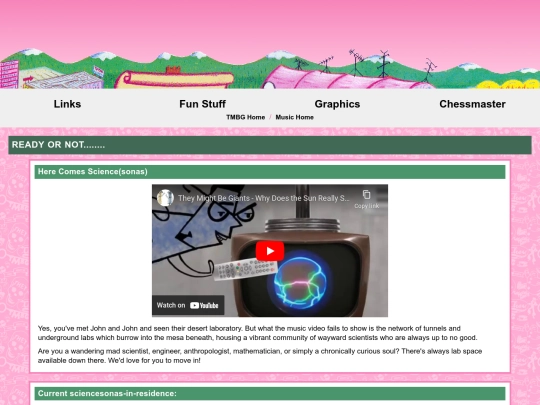
Seymour beat me to it! In the future, you can find this the way I did: go to https://tmbgareok.tumblr.com/archive and use the dropdown options to filter by photo post, and then scroll until you see the thumbnail you're looking for.
1 like
4 likes

your site is so awesome!! i love the tmbg and lemon demon pages :D
2 likes
bluef00t
4 years ago
thank you! have been out of the loop for a long time, but hope to get back to this site this summer with some fun updates :)
I just started a zinester webring! If you're interested in joining, let me know!
1 like
god this site has gone neglected in recent months. gotta add the new album to the tmbg sorter and also do. a lot of things. to add. man
1 like
I think one of the funniest things about neocities culture is that we know the developer's full name and when the user interface is acting wonky (which it usually does) people will invoke his name directly to make fun of him
11 likes
bluef00t
4 years ago
it's like the way people on tumblr talk about @staff except there's exactly one developer and we know who it is
3 likes

1 like
 okglass
4 years ago
okglass
4 years ago
whenever my Big Bacon Classic® Double glitches i am always screaming DAVE THOMAS
1 like
how do you make each page so different? I want to figure out tiling first :/
bluef00t
4 years ago
The answer is you can make as many .css files as you want! Just make a second css file called something like "customstyle.css" and then change the in the header of the page you want to change to link to the new customstyle.css file instead of the default style.css one.
2 likes
bluef00t
4 years ago
For example, my main site pages all use https://bluef00t.neocities.org/style.css
bluef00t
4 years ago
But my TMBG related pages have the reference to "style.css" replaced with a link to "pink.css", which is this stylesheet: https://bluef00t.neocities.org/music/tmbg/pink.css
 thekingsofwingo
4 years ago
thekingsofwingo
4 years ago
https://thekingsofwingo.neocities.org/tmbg/cant%20figure%20out%20tiles.PNG
I definitely have major changes I need to make (radio page update, new fonts, continuing style refactor) but for some reason cannot be assed to make them. see you around Christmas break, maybe?
5 likes
I deleted it but thank you for answering my silly question you explained it very well ty
1 like


hiya folks. long time no update, huh?