
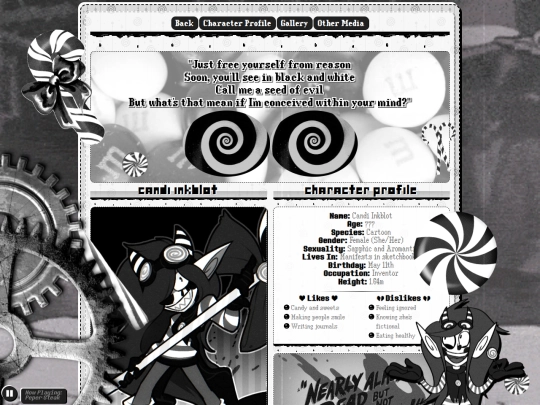
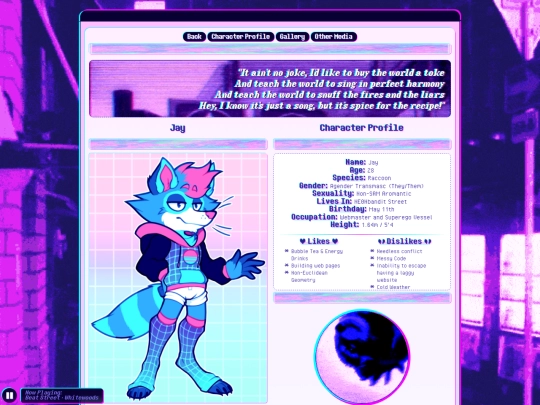
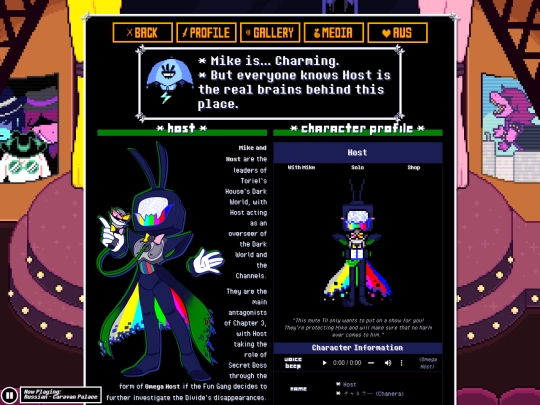
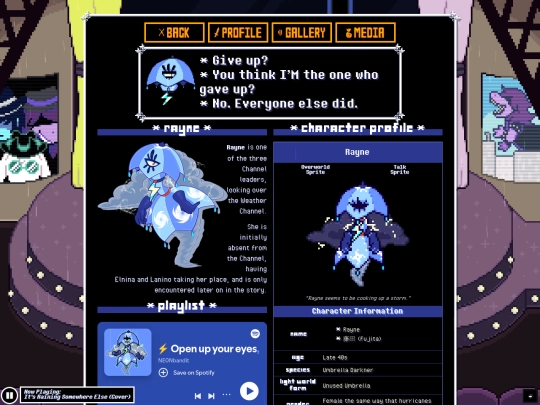
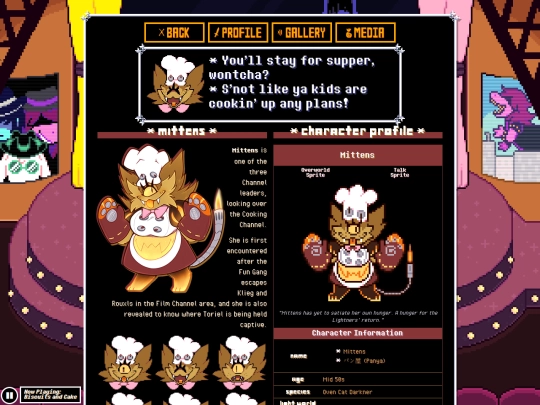
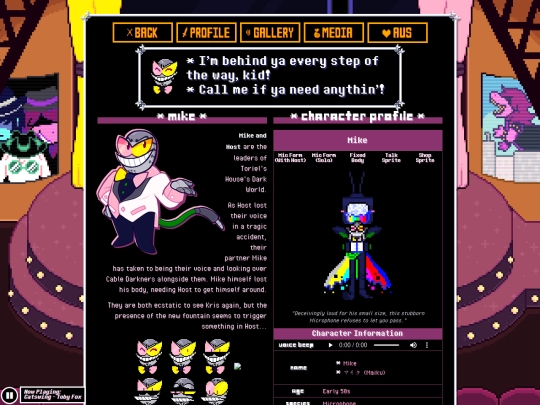
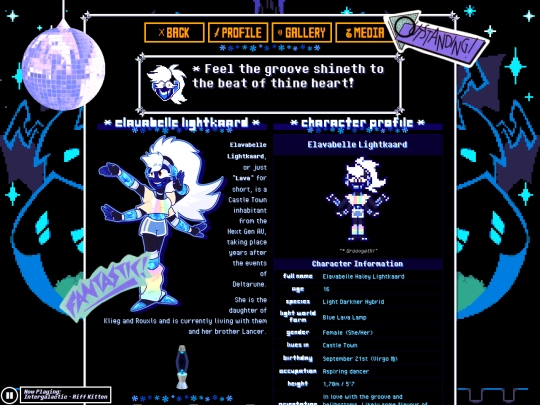
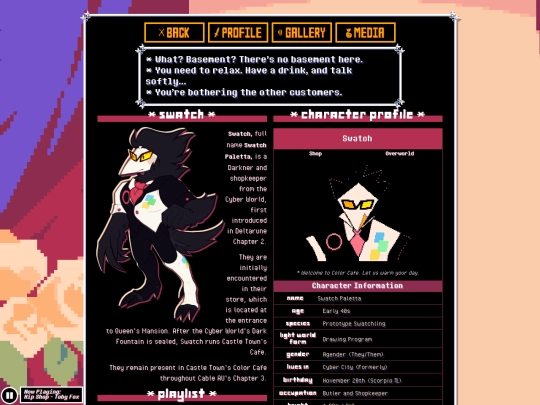
My character profiles have the less than ideal design choice of being built using Tables. I'm going to do a general restructuring of the pages so they're built with flexboxes instead. Visually there should be no differences. It's just cleaner on my end and easier to adapt to mobile
7 likes
Going to continue with purging older unused parts of my CSS :') Apologies in advance if some pages break during the process hehe
7 likes
 ne0nbandit
9 months ago
ne0nbandit
9 months ago
I do one of these at least once a year, but the Deltacable portion of the side hasn't had one of these purges yet and it's one of the oldest sections of the site, so I desperately need to revisit it
2 likes
ne0nbandit
9 months ago
I'll also revise the Halloween and Christmas themes since they haven't been adjusted to the new code yet. I know there's time until then but I might as well get to it now x)
2 likes


10 likes
ne0nbandit
10 months ago
Updated the FAQ to include info on the Comment Boxes, Image Galleries and Website Achievements!
3 likes

9 likes
ne0nbandit
10 months ago
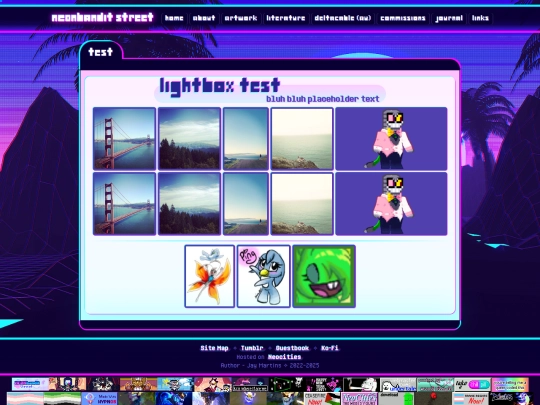
This version of the Lightbox seems to load much quicker than the one I currently have so I'll slowly be adding it in to replace the old one
4 likes
6 likes
Note to self - Update links on Deltacable character profiles
3 likes
2 likes
ne0nbandit
10 months ago
https://artfight.net/~NE0Nbandit anyway does anypony want to draw my oh sees
5 likes
12 likes
ne0nbandit
10 months ago
Added this years' Art Fight button and updated the buttons for the other years to include the missing crowns :)
2 likes
I want to try out Linux but I also know fuckall about it. Any tips for a Windows user? :')
10 likes
 barndoors
10 months ago
barndoors
10 months ago
youtube! (https://www.youtube.com/watch?v=2mUI3CMjmMc) If you don't care about a full hard drive wipe installing most distros is super easy, including going back to windows ¯\_(ツ)_/¯
2 likes
 aileron
10 months ago
aileron
10 months ago
i been using linux for over a decade now- best thing is probably to join some community or have some good linux friends you can bother to help you fix all the issues you will no doubt run into. most the linux peeps are super friendly though, i have had people spend hours of their time just to help me get past the simplest things!
4 likes
barndoors
10 months ago
the cheapest functioning laptop from a thrift store would work wonders for 'gettin into it'
3 likes
ne0nbandit
10 months ago
I cannot have a full hard drive wipe so I'm backing up my stuff since I worry I'll mess up somehow and lose everything 😭 I'm looking into a tutorial for how to have it be a dual boot with Windows at least to try it out ;v; I'm not helpless with computers but I'd rather stay safe
2 likes
 jojo-website
10 months ago
jojo-website
10 months ago
i would suggest try a good beginner friendly distro like linux mint. also, you can go to distrowatch to find out about other linux distros you might be intrested in
5 likes
 prtypsn
10 months ago
prtypsn
10 months ago
I dual-booted Linux Mint alongside Windows on my laptop for a while, it was pretty good! I went with Mint because I heard it was among the easiest for a Windows user to understand, and I think that advice was right. You might find some good advice on sites like Stack Exchange or r/linuxquestions, if you don't mind going to Reddit. It's a bit command line centric compared to Windows, but not too hard to figure out.
2 likes
prtypsn
10 months ago
Adding onto my last comment because I'm a yapper: you can use Rufus to create a boot drive for your distro of choice, you could either just run it from the drive to play around with it if you don't want to commit the space on your hard drive just yet, but if I remember correctly, it should give you the option to install it to your drive alongside Windows. It's just been... years, I forgot exactly how, lol
3 likes
ne0nbandit
10 months ago
Thank you :3 I'm seeing a lot of stuff recommending Mint so once I'm done backing up my stuff, that's what I'll try
3 likes
 pixelglade
10 months ago
pixelglade
10 months ago
Distrowatch is good but mainly for looking up reviews / specs for distros you might be interested in, I've personally found it pretty overwhelming for a beginner and choosing a distro was one of the most difficult things for me. Lots of people say Linux Mint is good for a beginner. I'd start reading about desktop managers and some of the most popular Linux distros that many are forked off. 1/2
3 likes
pixelglade
10 months ago
The Debian documentation is good at showing an overview of desktop environments (they're like the GUI of your desktop): https://wiki.debian.org/DesktopEnvironment Usually distros will give you a choice of desktop environment. Here's a brief bit of history about some major distros (not a full list but might help get you started): https://linuxiac.com/major-distributions-in-history-of-linux/ I'm using Debian 2/2
4 likes
4 likes
 cinnamuff
10 months ago
cinnamuff
10 months ago
From what I've heard Linux Mint Cinnamon is the closest you'll get to a version that's similar to windows!! I've been using it here and there for a several weeks and despite the workarounds you have to go through to get some creative programs installed (like clip studio paint), it pretty much works out of the box!
3 likes
1 like
 riomccloud
10 months ago
riomccloud
10 months ago
Test things in a virtual machine first, get confortable with it. Linux isn't hard, specially with beginner distributions like Linux Mint and Zorin OS, which you don't even need to touch the terminal. I can help you if you need, just send a message! 0/
1 like
 gorciu
10 months ago
gorciu
10 months ago
that's not a problem, you can find tutorials everywhere and my first linux distro was arch so... no linux is not hard
1 like
 lunaowler
10 months ago
lunaowler
10 months ago
Go with Mint or Ubuntu, they're probably the easiest for newbies to get into. You DON'T have to do most things via command line, you can install software through the "store" just fine and so much can be done with the GUI. Let using the CLI be your absolute last resort. I agree with cheap laptop as others have said.
1 like
 seallycorner
10 months ago
seallycorner
10 months ago
Start by watching tutorials about Linux, install VirtualBox on Windows so you can first try installing distros on virtual machine to get a hang on things. I see you want dual boot with Windows. Always install Windows first, then Linux, as Windows messes up Linux' boot registry. If you want Windows dual boot with both systems encrypted, good luck lol (i know from experience, it's super confusing and weird to set up)
seallycorner
10 months ago
As others mentioned, Mint is probably the most beginner friendly, then Ubuntu (I personally prefer Kubuntu because it has more Windows-like UI by default). Even if you're not installing Arch distro, Arch wiki is very detailed and offers great help with plethora of topics. I hope you have fun with Linux! :)
 purpld
10 months ago
purpld
10 months ago
the terminal also isn't actually as scary as it seems btw! it is a bit at first and defo takes some getting used to, but if you don't know how to do something google is awesome (i think i look up basic commands very often lol), but as everyone else said especially with those distros you dont even need the terminal much unless you're working on like dev stuff maybe
purpld
10 months ago
i've experimented with linux over a few years but i plan to try actually switching once windows 10 is out of support. also adding onto the google thing, the "man" command (manual) is usually also quite helpful for command help. yes, *do be careful with commands* (commands like "rm" can be scary and should be treated with care), but once you feel comfier with the system it can be very useful
 falsfiction
10 months ago
falsfiction
10 months ago
Rufus is good, but it works only on Windows. You'd need a different program to create a bootable drive *from* Linux, and that's assuming the OS is working. So I recommend choosing two distros— like two of the Mints or two completely different options— in case your first pick doesn't work well for you and your hardware.


The framerate dropping to absolutely nothing whenever I work on this page. No one does it like me 🖤
Its dropping just a bit for me. Maybe some stuff needs to be preloaded? Still though I'm loving the design! The characters are adobable!!!
Thank you! I have no idea how to preload things :( I've tried looking for scripts to do it but it all seemed way too advance for my skillset 💔