
auto margin not working... cries

okay i did not learn my lesson,,, still wondering how tf u center ur content in like the very middle of the screen. for some reason when i try using the translate tag in css it wont let me position images outside of the div
2 likes
 sugarangel
3 years ago
sugarangel
3 years ago
heres the entire code for said page i need help with, in case its something im doing wrong lol: https://snippet.host/imgzcw
1 like
sugarangel
3 years ago
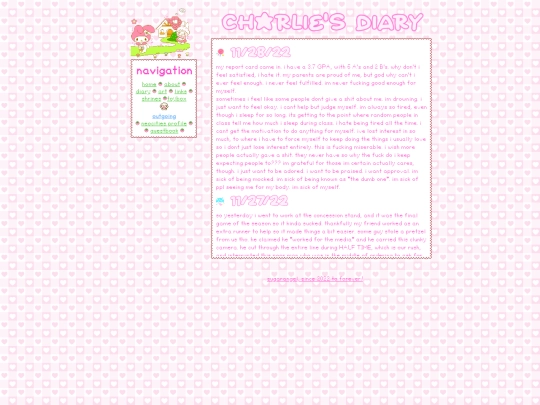
when using this code, for some reason even though the content is in the center of the page, i cant use the top tag and distance it away from the top of the screen, and i cant edit the little rin image.
1 like
sugarangel
3 years ago
horizontal centering, bc i want my div to like. maybe 20px away from the top of the page
 r0b1n666
3 years ago
r0b1n666
3 years ago
margin: auto will center things, you may need to set position: relative for it to work? I forget. you can also use left, bottom, top, and right to move things around if you have position: relative specified. also make sure the div's overflow property isn't set to hidden
1 like
sugarangel
3 years ago
@r0b1n666 the margin: auto thing worked, even with position: absolute position: relative. however when i zoom in, the elements inside of the div still enlarge instead of simply zooming in on the page.
sugarangel
3 years ago
this is my current code rn: position: relative; width: 28%; height: 500px; margin: auto; top: 10px; right: 0; bottom: 0; left: 0; margin-top: 50px; border-width:7px; border-style:solid; border-image: url("https://i.imgur.com/8Tk8PKV.gif") 7 fill round; z-index: 999; line-height: 22px; overflow: auto;
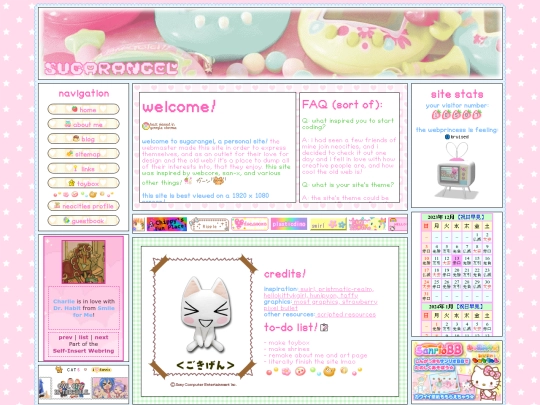
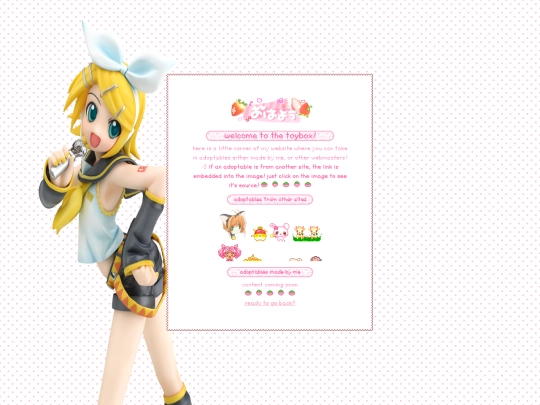
okay,,, this sounds like a really stupid question, but how do you actually get your div perfectly in the center of the page regardless of its width and height?
1 like
 ginder
3 years ago
ginder
3 years ago
idk exactly what you mean but I make a div "base" with margin auto and inside I put the main box and it stay in the center of the page, you can use too
2 likes
1 like
 layercake
3 years ago
layercake
3 years ago
if you mean center center like on carrd im.. not the best at explaining but i usually put it in a wrapper ill drop the code for it here -> https://snippet.host/dkrirv
1 like
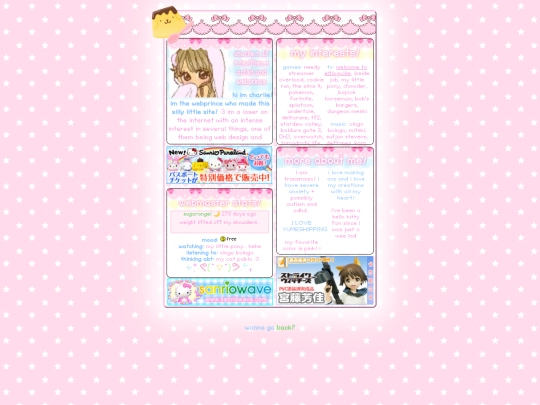
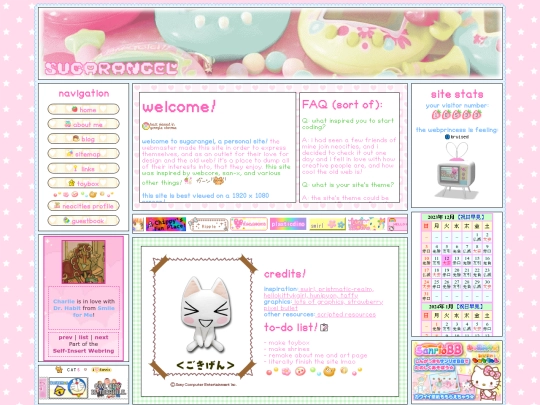


![[┐∵]┘ avatar](/site_screenshots/33/83/cutopia/index.html.50x50.webp)


i say as i continue to work