
backto00.exe [v5.0] - Image Destroyer
18,550 views
78 followers
240 updates
0 tips
backto00
6 months ago
I had to be absent from here for the past month, but I can assure you that big updates are coming in the following weeks. Stay tuned!
More Beta v3.5 updates: •Added an Undo and Redo button! Now you can safely edit your image without thinking of the consequences. Enjoy!
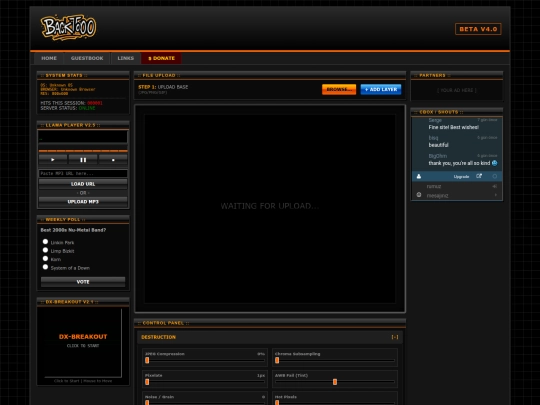
More Beta v3.5 updates: •Added a new Gameboy preset! •Added a Corner Date Stamp where you can add the day the photo has been taken in. It's very customizable, so enjoy! •Added a new intro that simulates how sites worked back in the day, very slowly! (If you don't like it, you have the option in the footer to disable it. Your browser will remember your setting!) Hope you enjoy this update, I'll make sure to add more!
We're in Beta v3.5! That's right, we skipped 3.4, because we're so cool. Here's the list of new updates: •Added Hot Pixels, Moiré Pattern, Dust & Scratches and Color Smear to the Destruction tab. Enjoy! •Added Windows 95 and Teletext to the Palette dropdown. •Added Overexposure slider, so you get that shine you always needed in your life. •Added a Glitter Brush that replicates the MySpace era's iconic profile photos.
Update: •Added new dithering methods Atkinson (Classic Macintosh look), Sierra Lite (Fast/Low noise), and Random (Noise/Grit) to the dropdown menu in the control panel. Enjoy! :)


