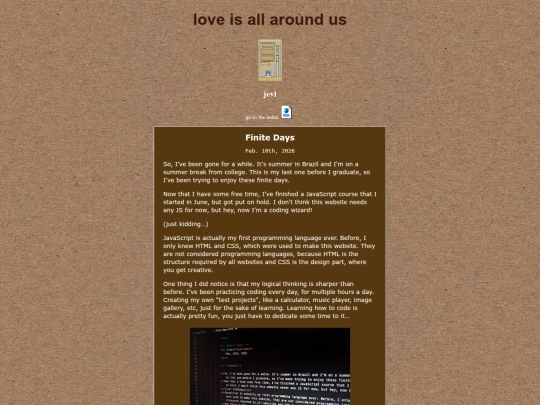
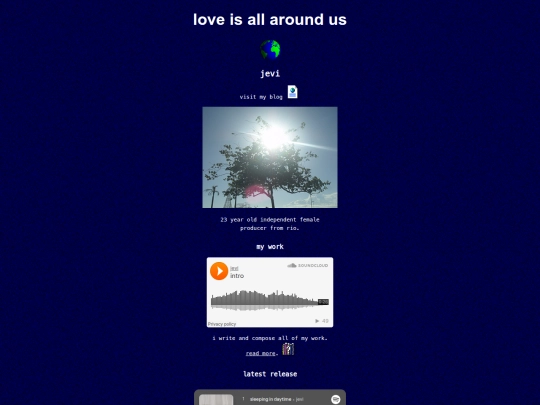
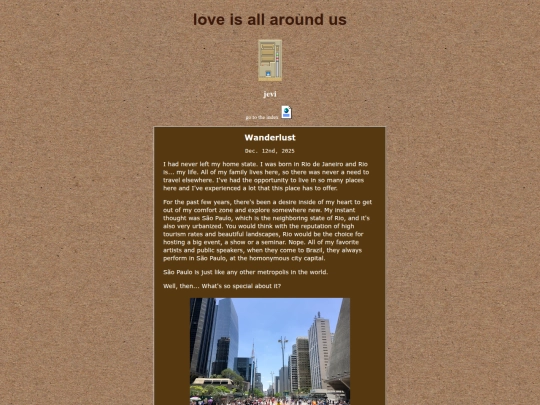
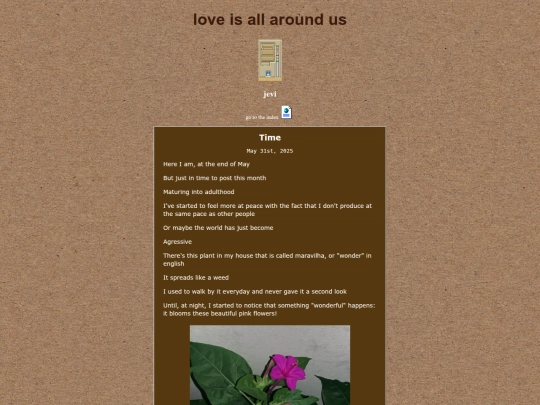
i’ve been using my tiny 11” 1366 by 768 pixels laptop screen for so long that i didn’t realize that i should've coded my website to bigger screens too. i opened my website on my brother's 1080p windows laptop, which has a 125% zoom feature and my website looked blurry as heck. it’s not how i wanted it to look at all
so i made all pixel art icons render properly pixelated in CSS with "image-rendering: pixelated" and put a “srcset” and “image-set” for all the bitmap images that needed so. now whenever the user zooms, or their screen size changes, the images will maintain their quality while their width stays the same.


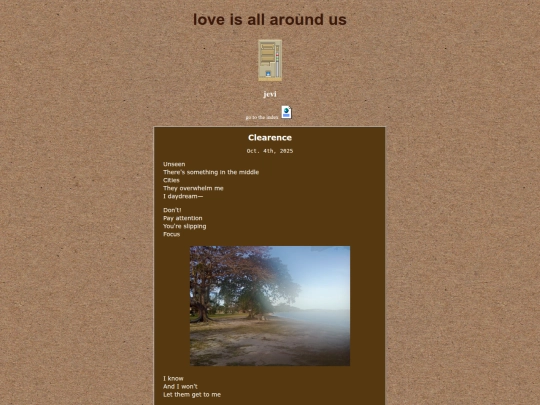


i’ve been using my tiny 11” 1366 by 768 pixels laptop screen for so long that i didn’t realize that i should've coded my website to bigger screens too. i opened my website on my brother's 1080p windows laptop, which has a 125% zoom feature and my website looked blurry as heck. it’s not how i wanted it to look at all
so i made all pixel art icons render properly pixelated in CSS with "image-rendering: pixelated" and put a “srcset” and “image-set” for all the bitmap images that needed so. now whenever the user zooms, or their screen size changes, the images will maintain their quality while their width stays the same.