

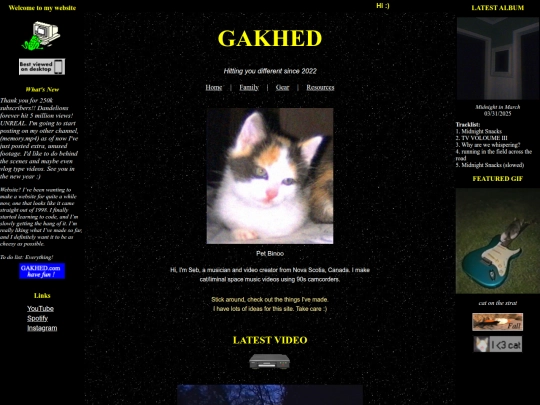

how'd you get the cursor to change as it hovers on Binoo? i wanna try something similar with my website but i have no idea how..,,




1 like


3 likes

2 likes

1 like


you can set an element to change the cursor in css with cursor property example: .element { cursor: url("/pointing.png") } you may want to check out the MDN web docs on the cursor property https://developer.mozilla.org/en-US/docs/Web/CSS/Reference/Properties/cursor