
Adaline's Domain - A house full of stories.
9,153 views
6 followers
1,566 updates
0 tips
1 like
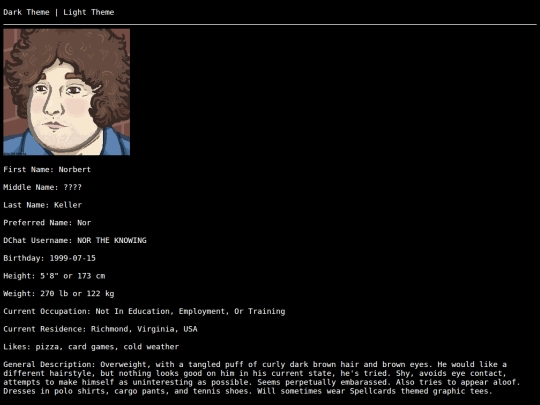
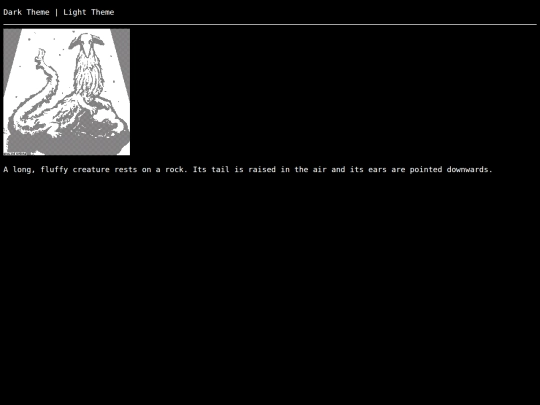
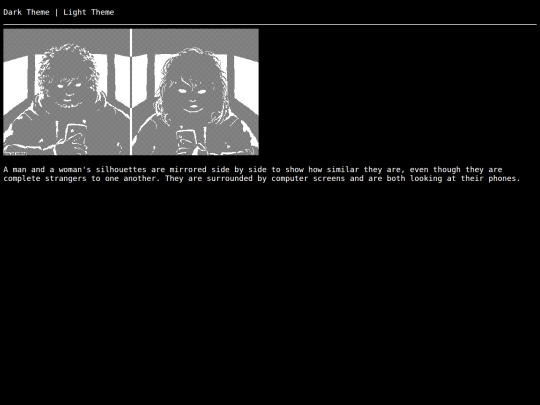
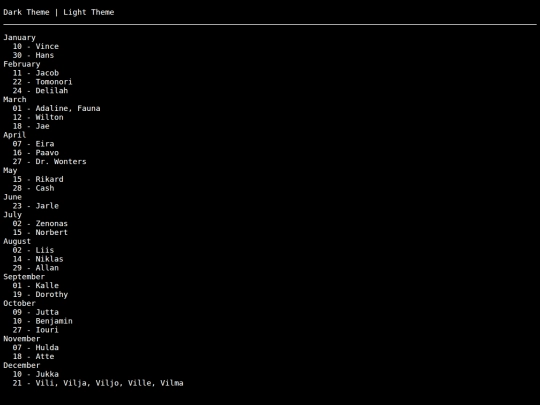
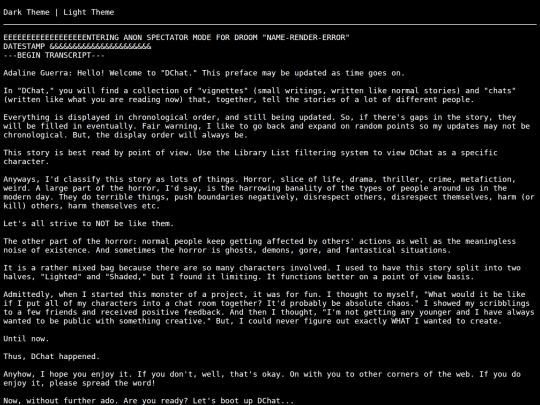
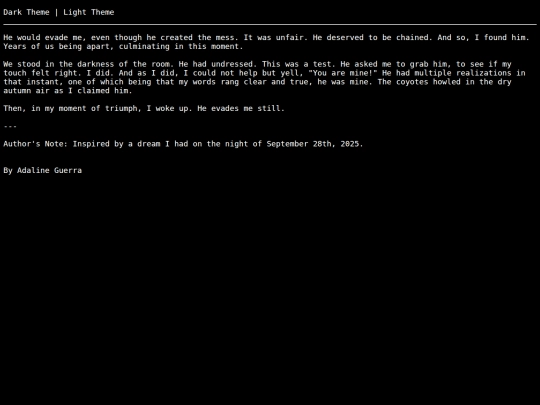
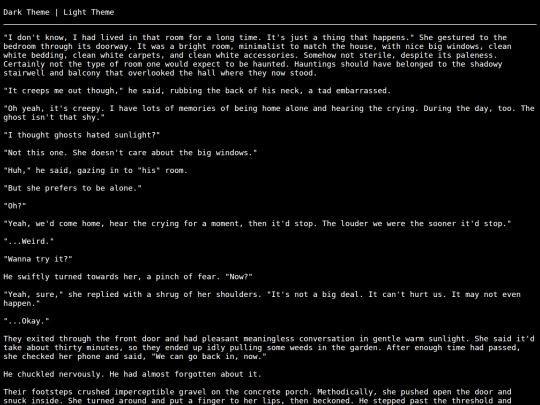
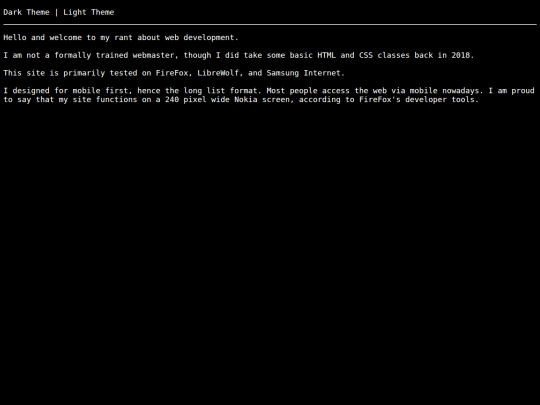
Converting everything to HTML had me reevaluate how I was displaying images as well. So, now they are in HTML files with their alt text.
I solved the umlaut problem by converting all of my text files to HTML. Thankfully, the process was not that lengthy.
1 like
1 like
1 like
1 like
Umlauts part 4: I could not have forseen this while I was testing my new site design locally, since the browser was pulling from my local files and encoding doesn't matter at that level. So now I'm at a crossroads. I can't just display raw text files, they need to be part of a HTML document. How to go about this... Make each vignette its own file? Wrap all of my writing into my main page?
Umlauts part 3: I learned this fact from this warning, "The character encoding of a framed document was not declared. The document may appear different if viewed without the document framing it."
Umlauts part 2: I thought about it while half asleep last night and came up with an experiment to try with an iframe, since that's how I was displaying everything previously with no issue. My hypothesis was correct. Turns out, since the iframe is part of a larger HTML document that declares the encoding, the letters within it display properly.
The umlaut letters problem: it's a character encoding issue. The browser does not know how to interpret a raw text file with special characters, so it guesses at the encoding. To display correctly, it requires a HTML document to tell it to use UTF-8.


Hmm. Don't know there's a solution that won't involve at least a little work to set up. Either you'll need to move the text itself onto an HTML page, or get something (like Javascript) to do it for you.