
i will be 'blogging' on here soon, through a new link i will create on my page titled 'blog'. i'll either post these in a DIV style with dates etc or write them and save them via an image, posting them using the lightbox coding provided by hypercrites - what do you think would be best?


1 like
changed the font on my page to be a more readable one :)
2 likes
1 like
i made a button - you can find it here: https://ellevee.neocities.org/pplilove
2 likes
 ellevee
1 month ago
ellevee
1 month ago
if anyone knows how to maintain the integrity of my new background img via css, please let me know, as it is not supposed to be this blurry ;-;
1 like
 frostecho
1 month ago
frostecho
1 month ago
I checked it locally and the CSS seems fine. The ImgBB URL you're using is only serving a 640×360 version of the image. Try uploading the original image directly to your Neocities "/img" folder and linking that instead (e.g. "background-image:url(/img/dark-forest.jpg);") — the blur should disappear.
1 like
ellevee
1 month ago
oooh i will try.. thank you so much. i'm a noob on the uploading and hosting things via neocities side, so i will try my best... thank you!
1 like
ellevee
1 month ago
any idea why it is giving that dimension versus the normal ones? i downloaded and uploaded the image from my pc, it looks fine as my desktop and i got the image like i do everything else... maybe i missed something somewhere xD if you don't know, totally fine, just curious
1 like
ellevee
1 month ago
OMG, that fixed it. thank you SOOOOO much. this was making my brain melt last night.
1 like
frostecho
1 month ago
Glad it worked! 😄 As for why ImgBB was giving you a 640×360 version, I'm not actually sure. My guess is that the URL you copied was pointing to a resized/optimized variant rather than the original upload, but I couldn't say exactly how that happened. Sometimes image hosts generate multiple sizes and it's easy to grab one of those by accident.
1 like
ellevee
1 month ago
yes, that's what i was beating myself up over last night, but i checked multiple times, even uploaded it a separate time and it was never the thumbnail version so WHO KNOWS! ty again!
1 like
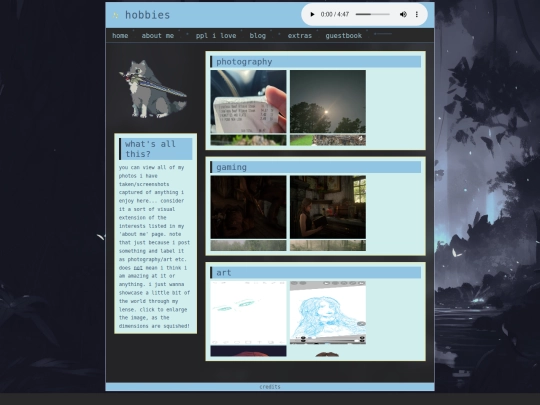
you can now click the images in my hobbies page and they will open in a transparent section that you can just click out of versus a whole new page. thanks to https://neocities.org/site/hypercrites for the code, you gem!! and for helping me getting it to work ^_^
1 like
1 like

1 like
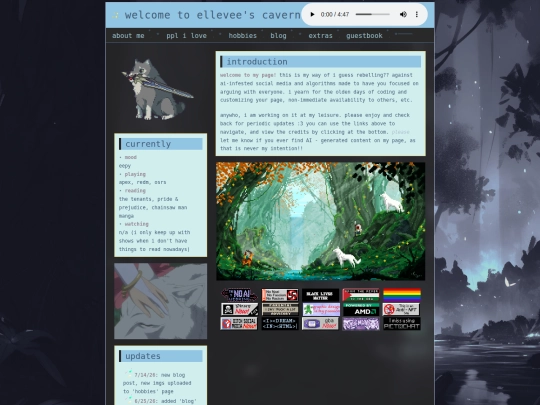
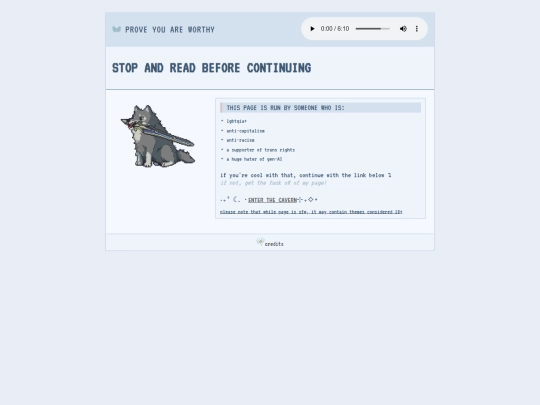
decided to change my page's aesthetic to be a bit more darker. it fits me more to taste, as i was just using the soft blue template for the time being... MAJOR WIP as far as all of the colors for each page go, some favicons i need to change around. also fucking with the dimensions, just ... ignore me for now ^_^
3 likes
ellevee
2 months ago
i also finally figured out how to put my css on the css page on neocities and just link it to every page versus having css on them all individually. no, i did not know how to do that before. i had to google it. i am not css savvy.
2 likes
Website Stats
Last updated
11 hours ago
CreatedMay 13, 2026


DIV style example: https://ellevee.neocities.org/aboutme Lightbox example: https://ellevee.neocities.org/hobbies
either is fine but i kinda like lightbox
ahh i just saw this response. i think i will revert once i can :3 will keep it much neater in the long run methinks