It's 99% centered. It might be the units causing your problem? If you use vw it can be wierd with how it measures the size of the screen. Evn if you use lvw (largest viewport width) or svw (smallest viewport width), both of which you can use as units.
To make it look less wonky with little hassle I would say you have at least 2 options (that I can think of). #1 Left align the nave to the rest of the text. #2 apply the property "text-align: justify;" to your paragraphs. This will make it like a column and look more centered.
Sorry it took me so long to reply (╥O╥) this whole thing is beating me I literally have restarted my webpage multiple times from scratch bc I genuinely didn't know what to do. I have everything centered bc of a mistake back when I didn't understood much about coding and now im too lost to do anything tbh. Left align sounds like a good idea for now.

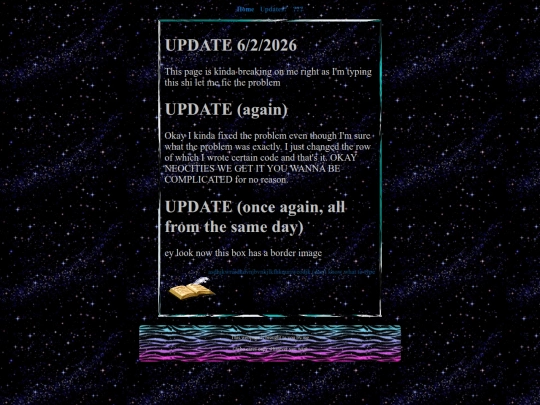
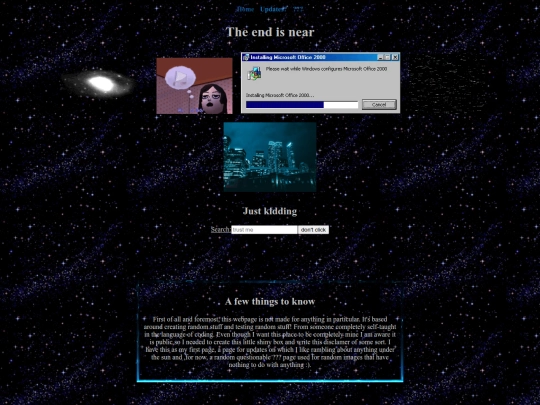


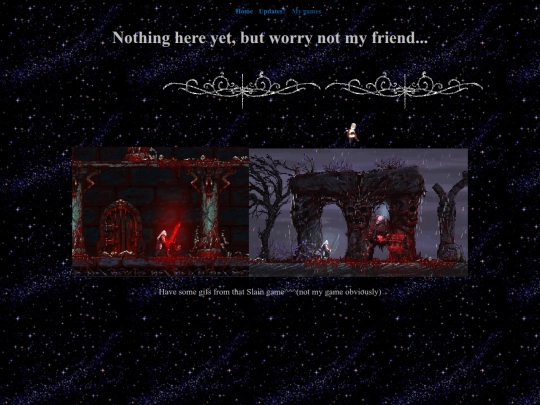


It's 99% centered. It might be the units causing your problem? If you use vw it can be wierd with how it measures the size of the screen. Evn if you use lvw (largest viewport width) or svw (smallest viewport width), both of which you can use as units.
To make it look less wonky with little hassle I would say you have at least 2 options (that I can think of). #1 Left align the nave to the rest of the text. #2 apply the property "text-align: justify;" to your paragraphs. This will make it like a column and look more centered.
*nav, not "nave"
Sorry it took me so long to reply (╥O╥) this whole thing is beating me I literally have restarted my webpage multiple times from scratch bc I genuinely didn't know what to do. I have everything centered bc of a mistake back when I didn't understood much about coding and now im too lost to do anything tbh. Left align sounds like a good idea for now.
ok so turns out it was off because of its default list-style. I just had to put list-style: none; to fix the problem